These Terms of Service ("Terms") govern your use of the CalendarSnap iOS application ("Service") operated by CalendarSnap ("we", "us", or "our"). By downloading or using the app, you agree to these Terms.
1. Description of Service
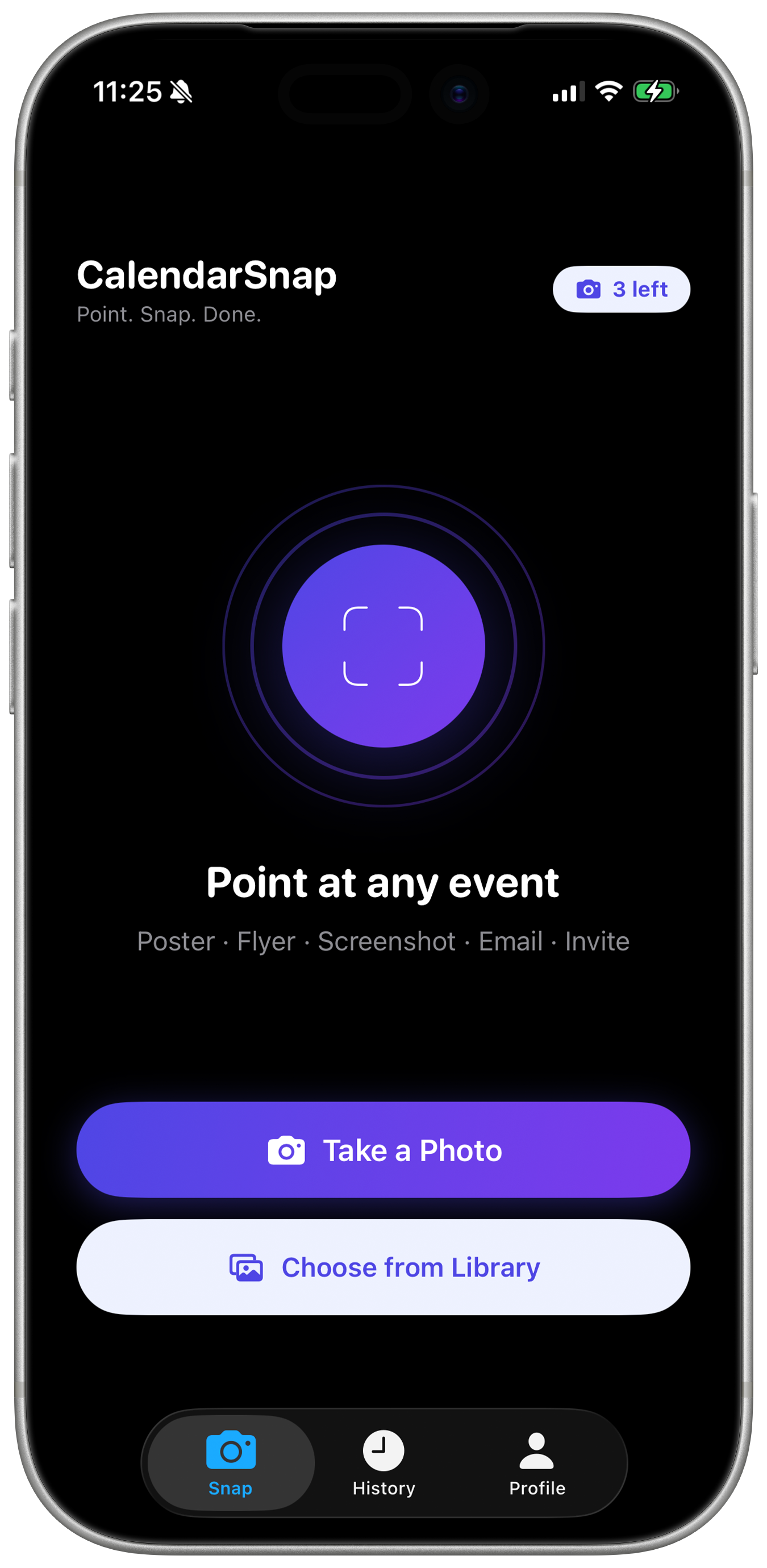
CalendarSnap is an iOS application that uses on-device optical character recognition (OCR) and artificial intelligence to extract event information from photographs and save events to your iOS Calendar. The Service is available on a free tier with daily usage limits and a paid Pro subscription with unlimited usage.
2. Free Tier Limits
The free tier of CalendarSnap allows up to 3 snaps per day. This limit resets daily at midnight in your local timezone. Attempting to circumvent this limit — including through multiple accounts, automated access, or any other means — is prohibited and may result in account termination.
3. Pro Subscription
- Auto-renewal: Pro subscriptions automatically renew at the end of each billing period unless cancelled at least 24 hours before the renewal date.
- Billing: Charges are made to your Apple ID account at confirmation of purchase. Subscription management and cancellation is done through your Apple ID account settings.
- Cancellation: You may cancel at any time through the App Store. Access continues until the end of the current billing period. No refunds are provided for partial periods.
- Price changes: We reserve the right to change subscription prices. We will provide reasonable notice before any price change takes effect.
- Free trial: If a free trial is offered, it will convert to a paid subscription unless cancelled before the trial ends.
4. Acceptable Use
You agree not to use CalendarSnap to:
- Violate any applicable laws or regulations
- Process images containing illegal content
- Attempt to reverse engineer, decompile, or extract source code from the app
- Use automated tools or scripts to access the Service
- Create multiple accounts to circumvent usage limits
- Interfere with or disrupt the integrity or performance of the Service
- Attempt to gain unauthorized access to any systems or data
5. Intellectual Property
CalendarSnap and all related content, features, and functionality are owned by us and protected by copyright, trademark, and other intellectual property laws. You may not copy, modify, distribute, or create derivative works based on our Service without our prior written consent.
6. Privacy
Your use of the Service is also governed by our Privacy Policy, which is incorporated into these Terms by reference.
7. Third-Party Services
The Service integrates with third-party services including Apple Calendar, Supabase, OpenAI, and RevenueCat. Your use of these services is subject to their respective terms and privacy policies. We are not responsible for the practices of these third parties.
8. Disclaimer of Warranties
THE SERVICE IS PROVIDED "AS IS" AND "AS AVAILABLE" WITHOUT WARRANTIES OF ANY KIND, EITHER EXPRESS OR IMPLIED. WE DO NOT WARRANT THAT THE SERVICE WILL BE UNINTERRUPTED, ERROR-FREE, OR FREE OF VIRUSES OR OTHER HARMFUL COMPONENTS. WE MAKE NO WARRANTY REGARDING THE ACCURACY OF AI-EXTRACTED EVENT DETAILS — ALWAYS REVIEW BEFORE SAVING.
9. Limitation of Liability
TO THE MAXIMUM EXTENT PERMITTED BY APPLICABLE LAW, IN NO EVENT SHALL WE BE LIABLE FOR ANY INDIRECT, INCIDENTAL, SPECIAL, CONSEQUENTIAL, OR PUNITIVE DAMAGES, INCLUDING BUT NOT LIMITED TO LOSS OF DATA, MISSED EVENTS, OR LOST OPPORTUNITIES, ARISING OUT OF OR RELATED TO YOUR USE OF THE SERVICE. OUR TOTAL LIABILITY SHALL NOT EXCEED THE AMOUNT YOU PAID US IN THE TWELVE MONTHS PRECEDING THE CLAIM.
10. Indemnification
You agree to indemnify and hold us harmless from any claims, damages, losses, or expenses (including reasonable legal fees) arising from your use of the Service or violation of these Terms.
11. Termination
We reserve the right to suspend or terminate your account at any time for violations of these Terms. You may delete your account at any time by contacting us. Upon termination, your right to use the Service immediately ceases.
12. Changes to Terms
We may update these Terms from time to time. We will notify you of material changes by updating the effective date and, where appropriate, via in-app notification. Continued use of the Service after changes constitutes acceptance of the updated Terms.
13. Governing Law
These Terms shall be governed by and construed in accordance with applicable law, without regard to its conflict of law provisions.
14. Contact
For questions about these Terms, please contact us at: support@calendarsnap.io